
- 1. Beyond Feature Checklists to Real Value: What True HR Usability Entails
- 2. The User Task as the Unit of Measurement: Frameworks and Usability Metrics (SUS)
- 3. Empirical Evidence and Field Case Studies: When Usability Reclaims Working Hours
- 4. System Adoption vs. User Adoption: Practical Criteria for Selecting an Intuitive HRMS
Beyond Feature Checklists to Real Value: What True HR Usability Entails
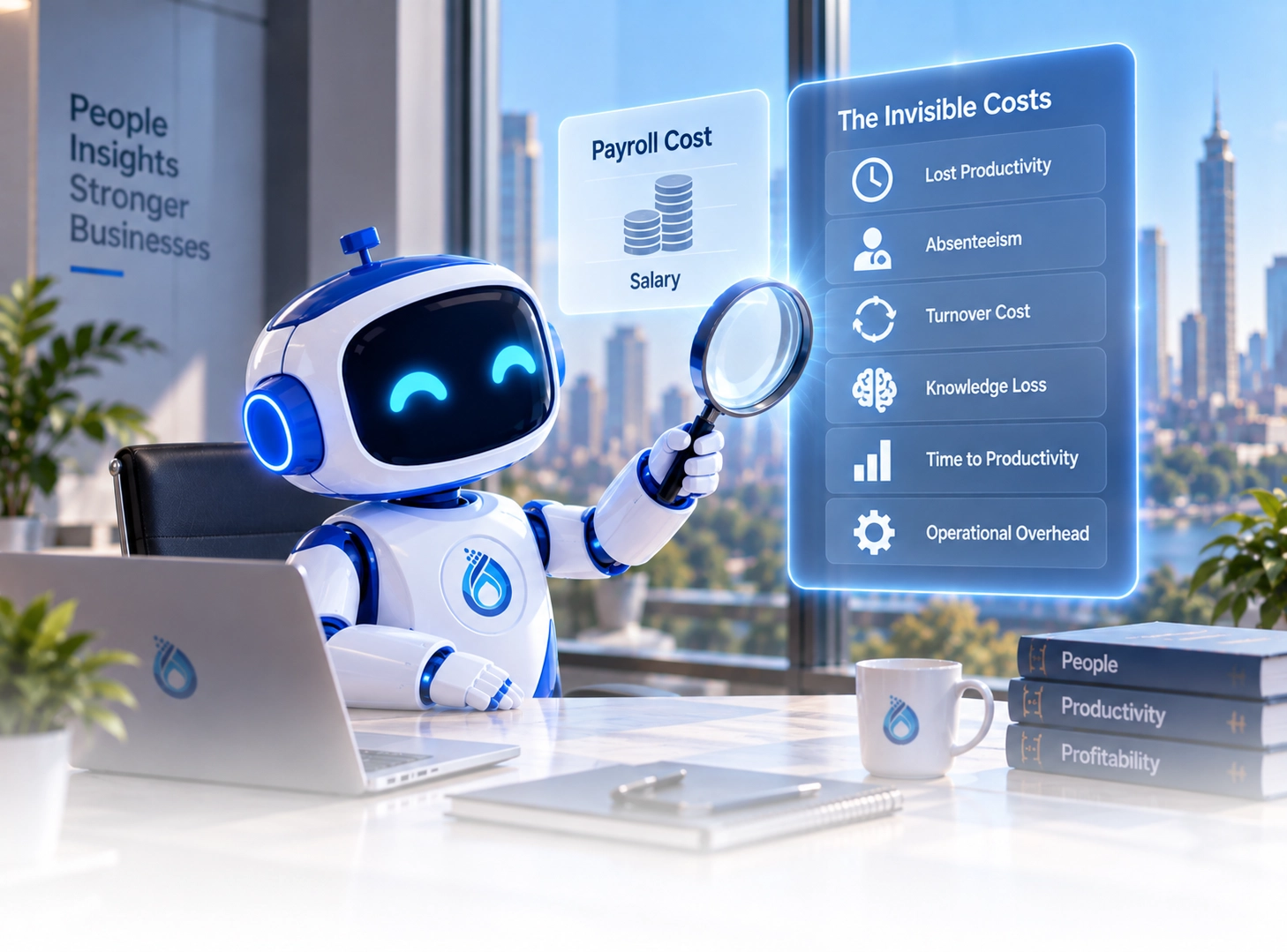
As organizations accelerate their digital transformation journeys, the defining strategic question is no longer simply: "Do we have an HR system?" Instead, executive leadership must ask: "Can our workforce actually use this system easily and autonomously to get their daily work done?". An enterprise may deploy a sophisticated platform packed with hundreds of technical capabilities, yet employees struggle with unintuitive navigation, require constant administrative assistance, or revert to manual emails and paper forms for routine requests.
This creates a persistent operational gap between Feature Availability and Effective Feature Utilization. The true enterprise value of HR technology is never derived from static feature count; it emerges solely from a user's ability to locate, comprehend, and execute tasks with minimal cognitive drag, minimal steps, and near-zero friction. Consequently, evaluating HR platforms requires shifting from the theoretical: "What can the software do?" to the practical: "How easily can the employee execute what needs to be done?".
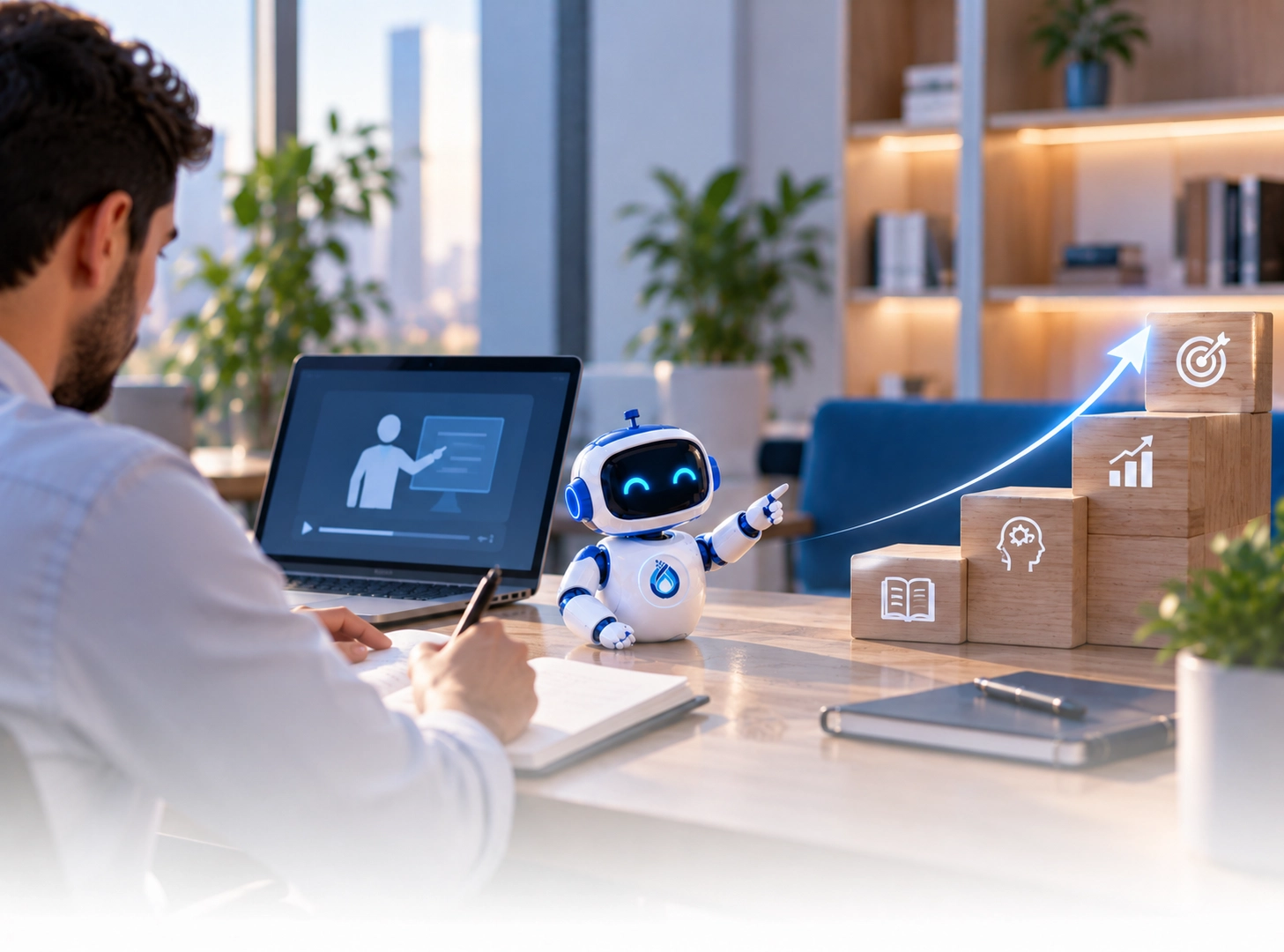
User Experience (UX) extends far beyond superficial aesthetic polish, color palettes, or button styling; it governs how employees mentally process and emotionally interact with digital workflows. Usability defines whether users can achieve specific tasks with effectiveness, efficiency, and satisfaction. For enterprises seeking an easy-to-use HR system, the focus must center on Digital Employee Experience (DEX)—designing intuitive daily workflows that eliminate administrative overhead and empower employee self-sufficiency.
The User Task as the Unit of Measurement: Frameworks and Usability Metrics (SUS)
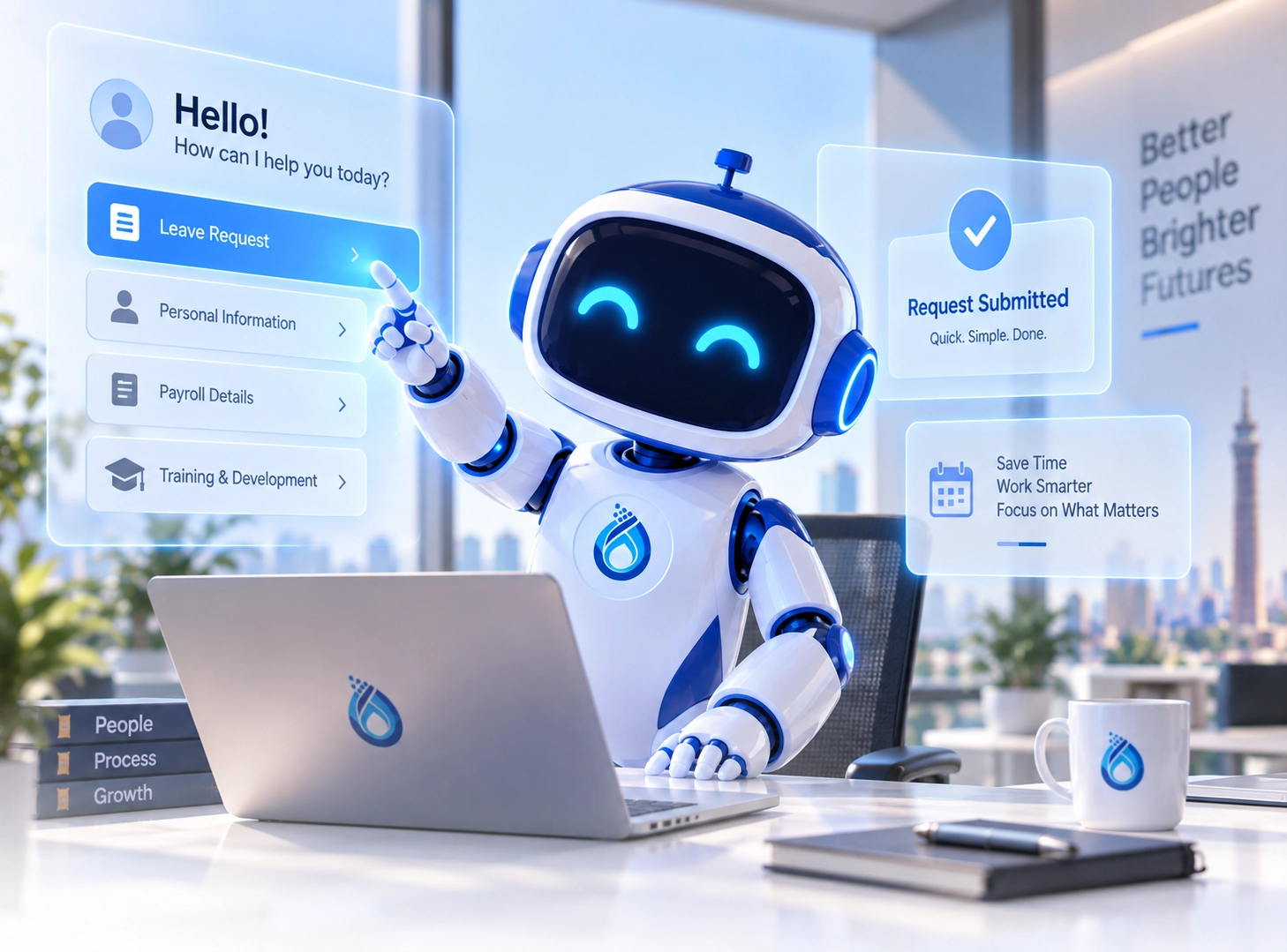
The individual user task serves as the definitive unit of measurement when evaluating HR software usability. In convoluted systems, submitting a standard annual leave request requires navigating confusing menus, interpreting obscure icons, and deciphering ambiguous fields, often forcing staff to consult HR representatives. Conversely, user-centered design streamlines the workflow into an intuitive four-step sequence: (Request Leave → Select Dates → Submit → Instant Confirmation), slashing execution time, eliminating cognitive load, and preventing data errors.
Evaluating usability objectively requires moving beyond anecdotal sentiment toward empirical behavioral metrics: Task Completion Rate (percentage of successfully executed tasks), Time on Task (duration required for execution), Error Rate (frequency of input mistakes), and Cognitive Load (mental effort required to process instructions). These indicators culminate in the standardized System Usability Scale (SUS), an industry-standard 0-to-100 score where 68 represents the validated benchmark for acceptable enterprise usability.
Deploying these structured metrics transforms usability assessment from subjective impressions into observable operational performance, directly correlating with workforce engagement, adoption rates, and operational velocity.
Empirical Evidence and Field Case Studies: When Usability Reclaims Working Hours
Empirical research and enterprise case studies confirm that systematic usability engineering directly compresses task completion cycles and reclaims valuable operational hours. An applied investigation into the PT Kreatif HR system demonstrated that redesigning interfaces and eliminating workflow bottlenecks increased Task Completion Rates from 87.85% to 93.45%, elevated time efficiency from 0.0878 to 0.1258 goals per second, and achieved a 74.42 SUS score, comfortably surpassing international benchmarks.
Similarly, an evaluation of the Talenesia HRIS platform resolved 34 critical usability defects—concentrated in system status visibility and error prevention—resulting in an 85% solution acceptance rate and an overall user satisfaction rating of 4.5 out of 5. The financial implications become even more pronounced in large enterprise implementations; a Canadian oil company redesign reduced employee report creation times from two hours to 15 minutes, while onboarding training plummeted from a full day to 15 minutes.
In a parallel corporate benchmark, American Express compressed transaction execution times from 17 minutes down to four minutes and slashed operator training from 12 hours to two hours. Furthermore, a controlled study across 14 intranet tasks revealed that removing convoluted navigation reduced cumulative completion time from 68.5 minutes to 36.5 minutes, proving that removing digital friction directly translates into reclaimed commercial capacity.
System Adoption vs. User Adoption: Practical Criteria for Selecting an Intuitive HRMS
Leadership must delineate between System Adoption—the corporate decision to license and deploy software—and User Adoption, which reflects whether employees actively integrate the tool into daily workflows. Feature availability never guarantees effective utilization; if an employee encounters convoluted self-service interfaces, they inevitably retreat to manual spreadsheets or burden HR personnel, neutralizing digital ROI.
The link between UX and productivity is an operational enabler: Less Effort + Less Time + Fewer Errors + Less Rework = Reclaimed Capacity for Strategic Work. When procuring an easy-to-use HR system, leadership should discard static vendor checklists and test real-world task scenarios: How many steps to record attendance? How many seconds to submit leave? Can an associate execute workflows independently on their first attempt without training?
Real software value does not materialize on the day a contract is signed, but when the platform is intuitive enough to be used naturally and powerful enough to be relied upon. Tidal Information Systems, through its Inspira One enterprise platform, combines robust backend processing with world-class user experience, empowering organizations to maximize workforce efficiency and digital adoption.
Ready to Combine Robust Enterprise Architecture with Superior HR Usability?
Schedule an expert strategic consultation and live demonstration with Tidal Information Systems today to experience how Inspira One elevates employee self-service and operational efficiency.
Schedule Your Inspira One Experience →