

- 1. What do employees and managers expect from a modern HR experience?
- 2. How does self-service change the way HR operates?
- 3. Why is a mobile HR app an important step?
- 4. How do smart attendance and notifications improve efficiency?
- 5. What is the impact on approvals and HR workload?
- 6. When is an HR app worth the investment?
- 7. Conclusion
What do employees and managers expect from a modern HR experience?
Traditional systems were often built mainly for administrators: how do we enter data, produce reports, and control procedures? But the modern HR experience is also judged by what employees and managers see every day. Is access easy? Is the request path clear? Are approvals fast? Are there notifications? Can the process be completed from a phone? These questions are now part of evaluating the quality of the system itself. If the backend is strong but the user experience is frustrating, processes will remain slow and people will keep relying on traditional methods. Employee experience is therefore not cosmetic. It directly affects adoption, reduces pressure on HR, and improves process discipline.
How does self-service change the way HR operates?
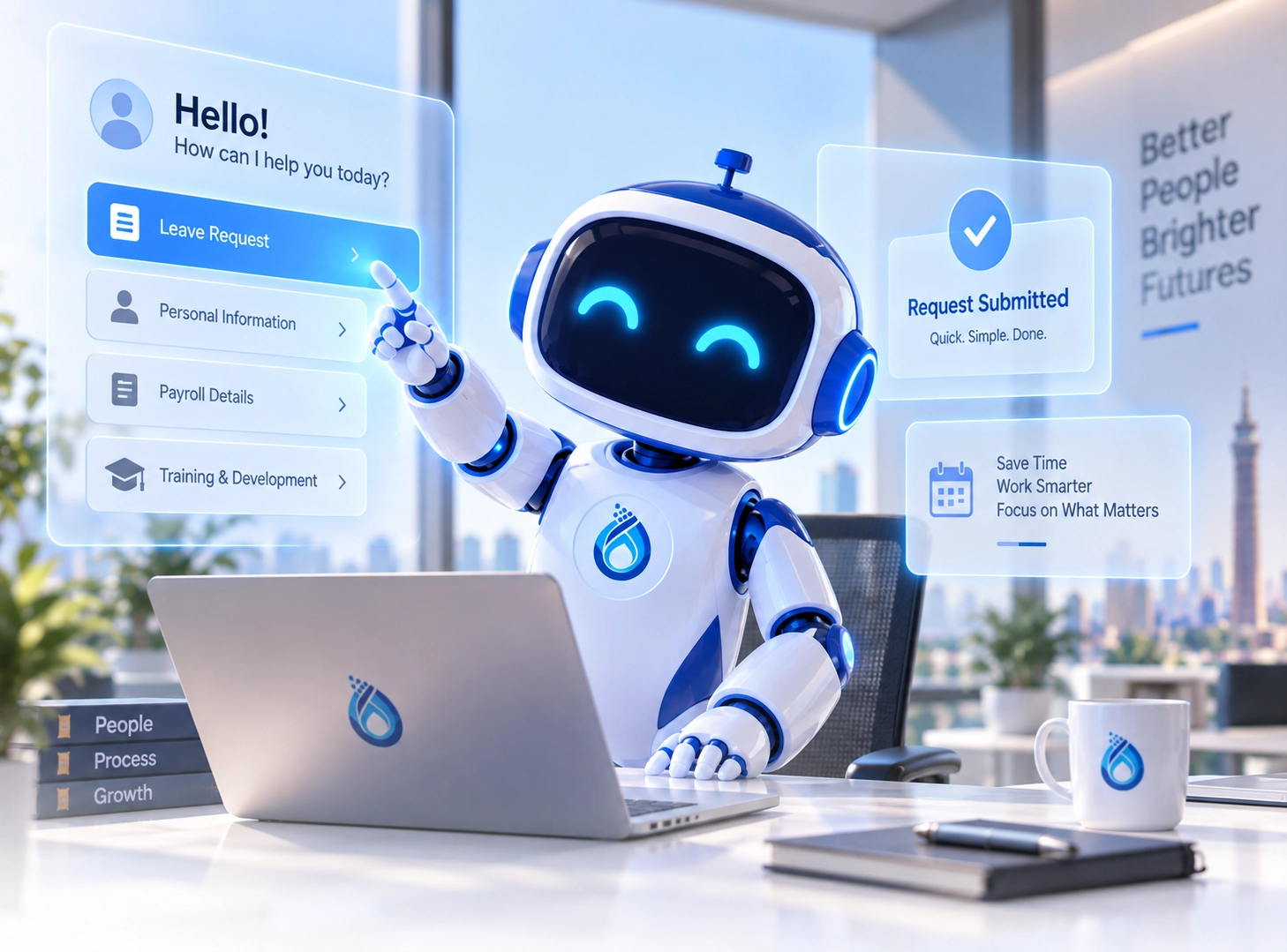
Employee self-service software moves a large portion of everyday HR transactions away from scattered messages and paperwork into a clear digital workflow. Employees can request leave or permissions, track balances, view payslips, and submit service or custody requests without repeated back-and-forth with HR. This shift saves time for both sides. Instead of spending hours receiving requests and answering routine questions, HR can focus more on oversight, analysis, and process governance. Employees also gain a clearer experience, because they can see how their requests move and what stage they have reached at any time.
Why is a mobile HR app an important step?
The major value of an HR app for employees is that it makes access to HR services part of the normal workday rather than a desk-bound task. In organizations with field teams, multiple sites, or shift-based work, this becomes even more important because the phone is often the fastest and most practical access point. Its value increases further when the app is fully embedded in the HCM platform. The request submitted from the phone should move directly into the approval workflow, appear in the employee file, and align with balances, policies, and notifications. That is what turns the app from a simple interface into a real extension of the core system.
How do smart attendance and notifications improve efficiency?
One of the strongest parts of the modern HR experience is smart attendance, especially for mobile teams and employees who do not rely on one fixed attendance point. When the platform allows attendance through the app with geo-fencing or location controls where needed, the process becomes more flexible and far less dependent on manual workarounds. Real-time notifications are just as important. Employees need to know the status of their requests, managers need fast approval alerts, and the business may want to send announcements or training reminders. These small messages reduce manual follow-up, prevent delays, and improve workflow continuity across the organization.
What is the impact on approvals and HR workload?
Every organization wants to speed up administrative work without losing control. Self-service and mobile access create strong value here because requests no longer disappear inside emails, approvals move through clear workflows, and status remains visible to employees, managers, and HR at the same time. That clarity reduces repeated inquiries, lowers pressure on HR teams, and minimizes errors caused by manual transfer or unstructured follow-up. It also improves discipline because every request has a date, a status, an approval path, and an update notification. As a result, HR shifts from being a crowded transaction center to a more organized and strategic function.
When is an HR app worth the investment?
An organization should seriously consider an HR app when it has a high volume of daily requests, distributed teams, a need to improve employee experience, or a goal of reducing dependence on paper and internal email. The more employees it has and the more varied their work patterns become, the more valuable a unified mobile-enabled platform becomes. Still, the decision should not be based on the app alone. It should be based on how deeply the app is integrated into the HCM platform. If it is disconnected from the employee file, approvals, attendance, and requests, its value will remain limited. When it works as part of one system, however, it raises efficiency in a measurable way.
Conclusion
An HR app for employees is not just another product feature. It is part of a broader shift in how employee and manager experience is managed. When self-service, digital requests, smart attendance, notifications, and approvals all come together in one HCM platform, processes become faster, clearer, and less dependent on manual handling. Organizations that look at HCM from this angle do not treat the app as an optional add-on. They see it as a daily gateway that brings the system closer to users, reduces pressure on HR, and raises the quality of administrative operations across the business.